PMR
Deep relaxation training on your own. Headset only.

Module · relax
PMR is a virtual-reality trainer for Meta Quest that teaches deep relaxation by progressive muscle relaxation. A hologram avatar mirrors your movements and shows each exercise, an animation behind it shows the muscles, and a narrator leads you through the whole session. You can do it on your own.
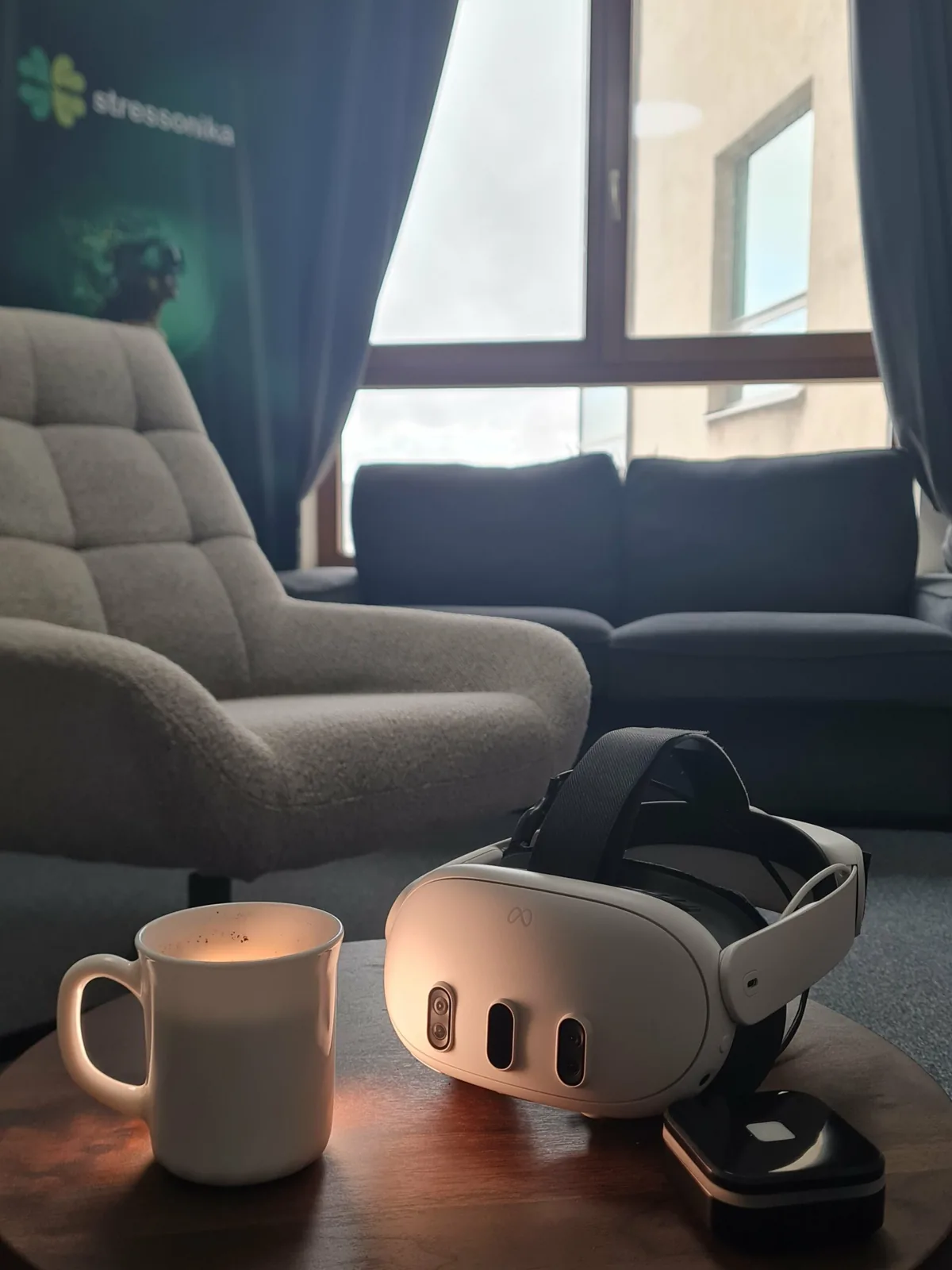
Progressive muscle relaxation was developed by the American physician Edmund Jacobson in the 1920s. Muscle groups are tensed and released one after another in a set order. The contrast between tension and release teaches a person to notice when muscles are tense and to let that tension go quickly. The idea behind it: when the body relaxes, the mind follows.
The technique is usually learned from an audio recording or with a specialist. In VR the task arrives through several channels at once, in sync: you see the exercise on the avatar and in the detailed animation, you hear the narrator, and the particles in the air set the breathing rhythm. The instructions are clear enough to do the exercise right the first time.
The session opens with the classic breathing circle. Particles synchronised with the inhale and the exhale help you breathe right; this is the first step of relaxation.
Arms, legs, neck, head, forehead and the rest, in the order the method prescribes. For each group the avatar shows the exercise, the screen shows the animation, and the narrator explains what to do.
After all the groups, the session closes with a second breathing exercise.
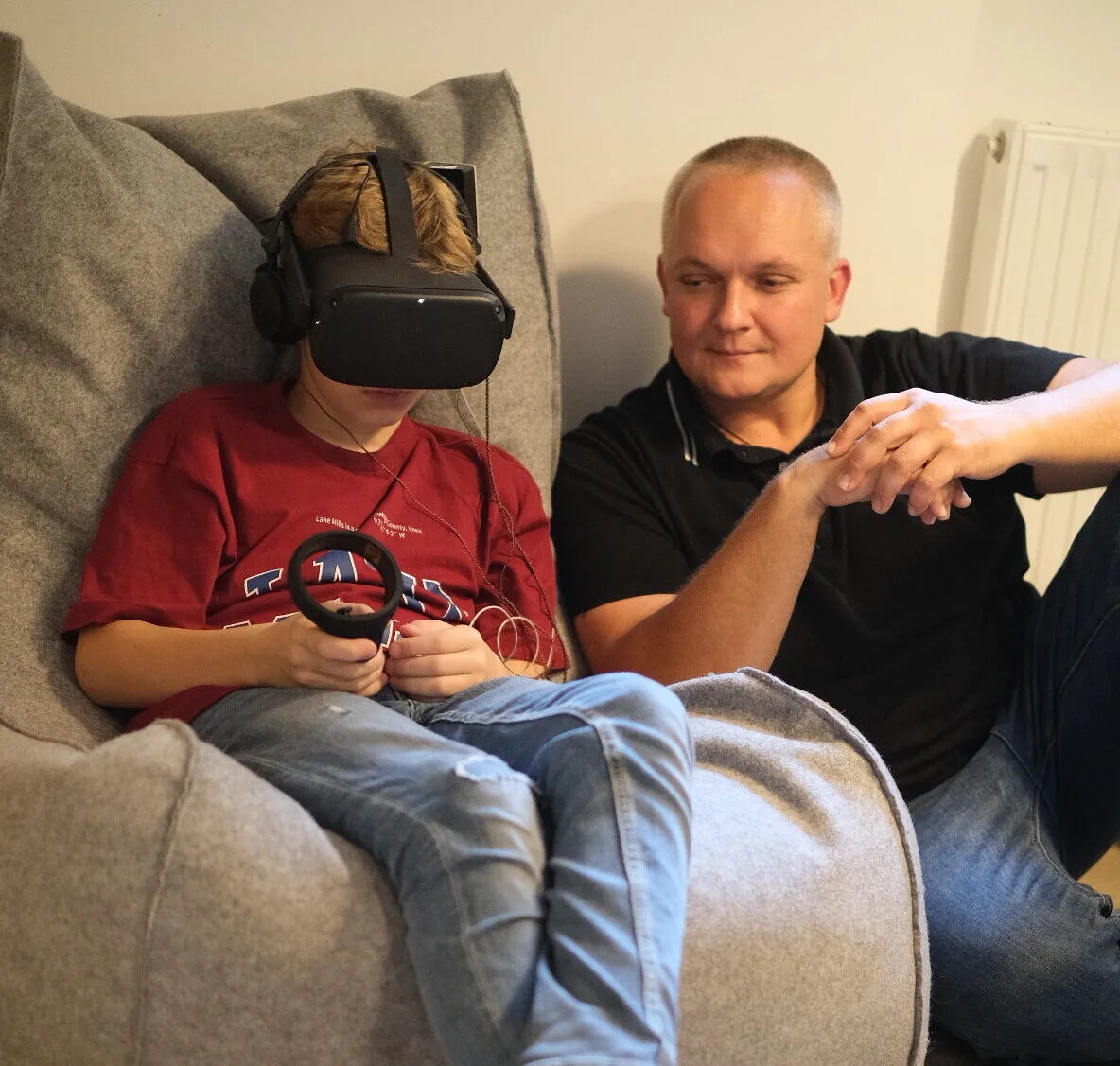
Deep relaxation training on your own. Headset only.
The person's physiology during the session is shown in CleverLab on the PC: how the body responded to the training, and a report on its state afterwards.
The same headset and sensors run BreathBook for paced breathing and Stressonika for the test before the work. Packages: see pricing.