CleverPoint 4 talks in Open Sound Control (OSC) over UDP, an open standard from 1997 with libraries for Unity, Unreal, Python, MATLAB, Max and most other things in a lab. The module uses it to talk to the PC, and the PC uses it to talk to your scene. Nothing proprietary to license, nothing to reverse-engineer.
Two links, one protocol
Module ↔ PC /Clever/…
The module announces itself on the Wi-Fi network, streams raw samples with a packet counter and a timestamp, reports battery and signal every five seconds, and takes START, STOP and ADC register commands. EVA does this for you; your own code can do it instead.
Scene ↔ PC /PC/…
Your VR scene sends one string per event: which section began or ended. EVA writes it into the recording next to the samples and sends live pulse back to the scene, so the scenario can react to the person wearing the headset.
The rest of the lab
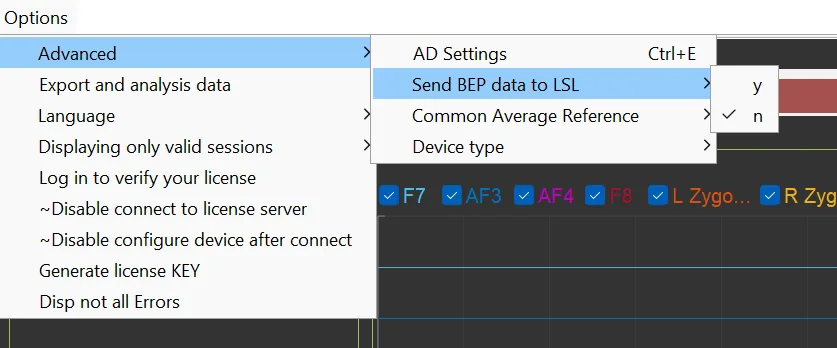
EVA streams the channels over LSL to anything else that listens, a MATLAB driver reads the files, and CleverLab exports tables to Excel. Reference MATLAB functions for the protocol ship with the device.
Mark a section from your scene
One OSC message, address /PC/Section, one string argument: the section name and START or STOP. Unity with OscJack or extOSC, Unreal with its built-in OSC plugin, Python with python-osc; the message is the same.
If you would rather not touch the scene, the operator can set the markers by hand in EVA on the PC during the recording. The OSC route makes them exact and hands-free.
// Unity, C# (OscJack)
var eva = new OscClient(evaHost, evaPort);
eva.Send("/PC/Section", "Stroop START");
// … the task runs …
eva.Send("/PC/Section", "Stroop STOP");
# Python
from pythonosc.udp_client import SimpleUDPClient
eva = SimpleUDPClient(eva_host, eva_port)
eva.send_message("/PC/Section", "Stroop START")
On the wire this is 32 bytes: the address, the type tag ,s and the string, each padded to four bytes. Host and port are set in EVA.
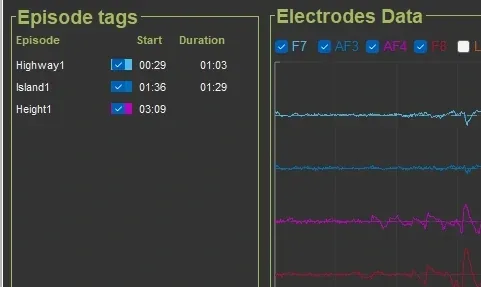
Where the markers land: episode tags in EVA.
Get pulse back while it records
EVA sends /PC/Online/Pulse with one float, beats per minute, to the scene during the recording. Subscribe with the same library and the scene can slow a scenario down, raise an alarm or simply show the number.
# Python
from pythonosc.dispatcher import Dispatcher
from pythonosc.osc_server import BlockingOSCUDPServer

def on_pulse(address, bpm):
    print(bpm)           # e.g. 64.0

d = Dispatcher()
d.map("/PC/Online/Pulse", on_pulse)
BlockingOSCUDPServer((scene_host, scene_port), d).serve_forever()
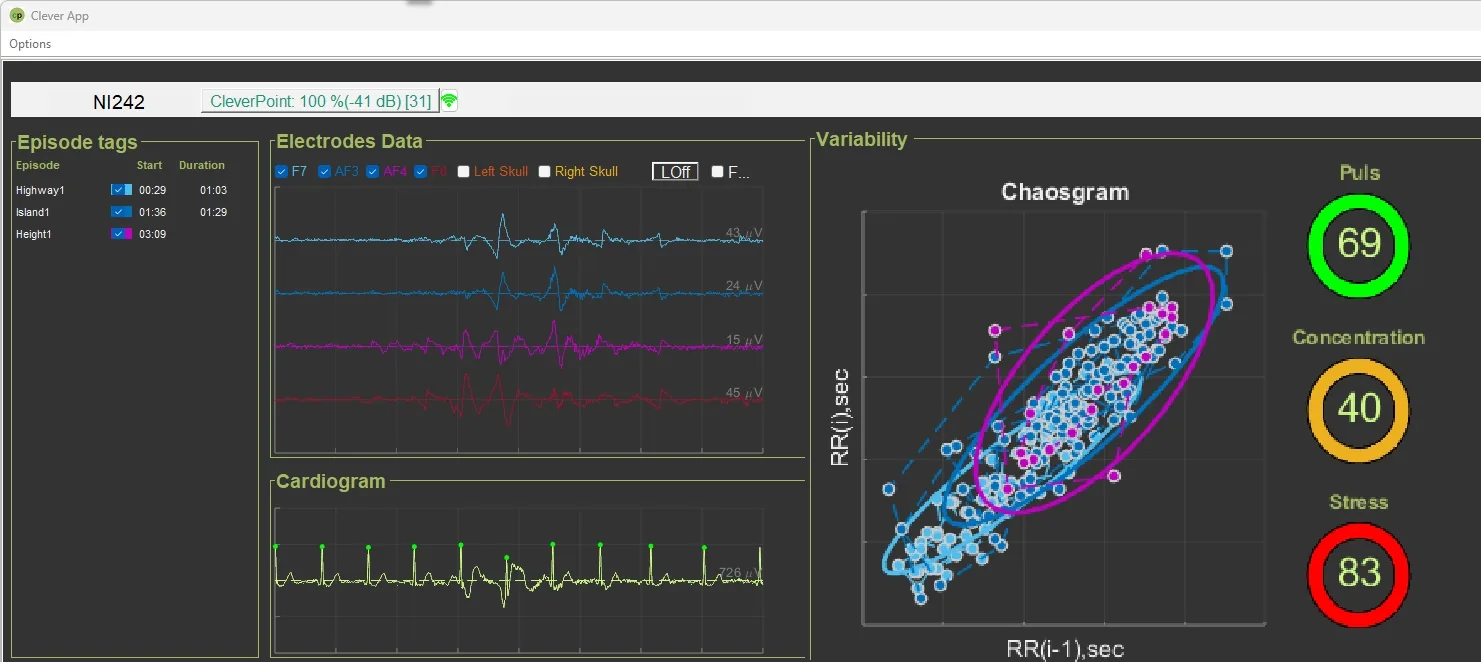
The values EVA computes live; pulse is the one it sends to the scene.
Or talk to the module directly
You do not need our software to record. The module is an OSC device on your Wi-Fi network; any OSC library on any platform can drive it. The protocol sheet comes with the device, and this is all of it:
Direction
Address
Arguments
What it does
module → all
/Clever/Connect
SSID, IP, MAC, Wi-Fi RSSI, battery V, battery %
Broadcast until the first command arrives; after that the module answers only that host.
module → host
/Clever/Status
Wi-Fi RSSI, battery V, battery %
Every five seconds. Reconnection and monitoring.
host → module
/Clever/Control/Overall
"START" or "STOP"
Start or stop the sample stream.
module → host
/Clever/Online/BEP
4 × int32, blob
Packet counter, seconds, subseconds, channel register (bits 0–7 enabled channels, bits 16–23 lead-off), then the samples.
Read registers back; the module answers on /Clever/Registers/BEP.
The sample blob
Eight channels interleaved, 24-bit signed, big-endian, straight from the 24-bit ADC: left zygoma, F7, AF3, AF4, F8, right zygoma, a spare input, ECG. One least significant bit is 0.54 µV at unity gain; divide by the channel gain you set. Three bytes per sample, so a 500 Hz stream of eight channels is 12 kB per second.
Reference configurations
Two register sets ship with the sheet: 500 Hz for the VR mask (channel 7 powered down, lead-off detection on the active channels) and 1000 Hz. Change the rate or the gain by writing the registers; the module keeps streaming.
Reference MATLAB functions: oscsend, oscparsing and blobBEBToInt, about 250 lines together, cover sending, parsing and the blob-to-microvolt conversion.
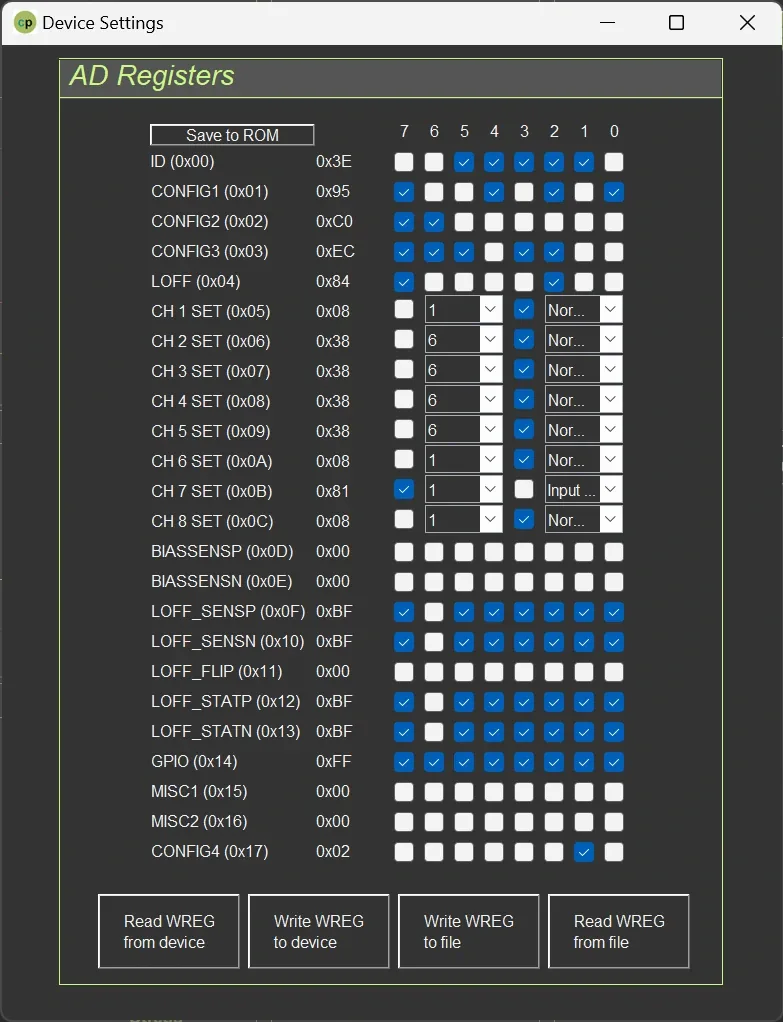
The same registers, as EVA shows them.
What you get on disk
Every channel at the chosen rate, one clock, one packet counter
Section markers from your scene with their time in the recording
Lead-off status per channel, so you know when an electrode lifted
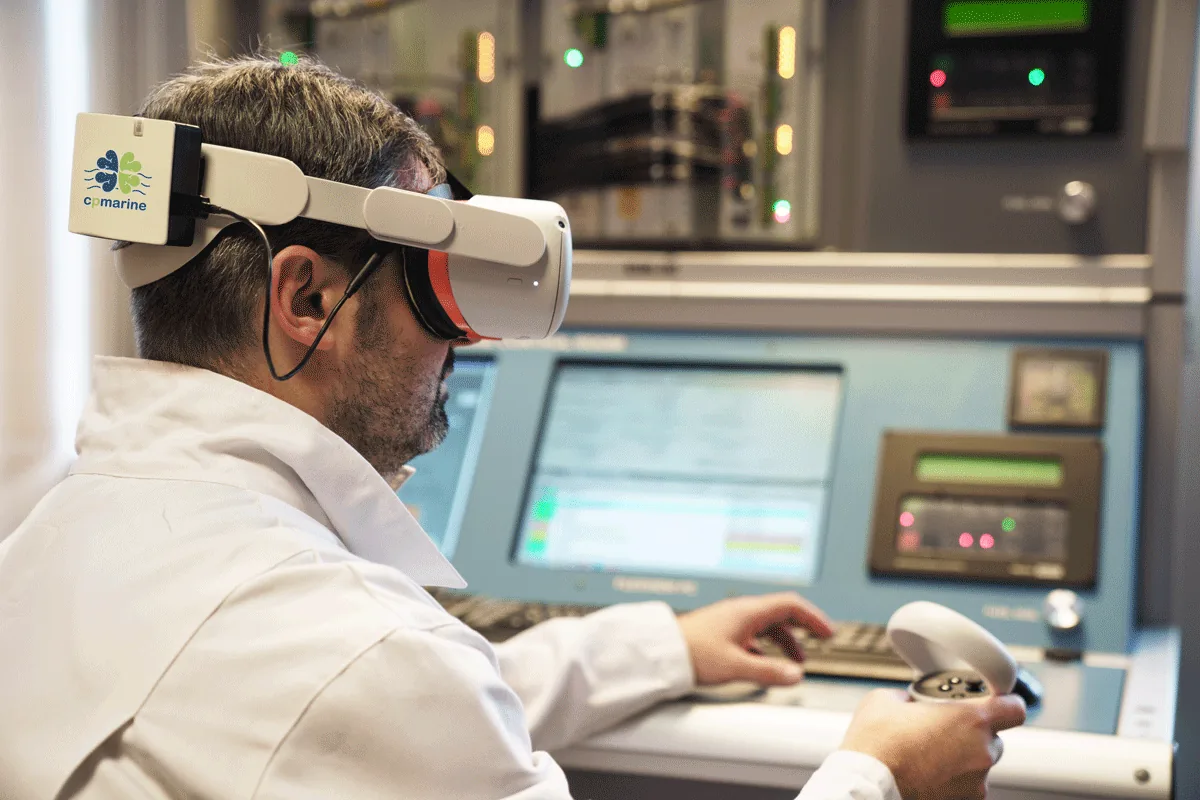
Novikontas, a maritime training centre, records trainees during simulator runs. The scenario marks the events; instructors see how each trainee's body met them, run after run.
«We now have access to comprehensive and data-driven insights into the physiological and psychological responses of our trainees.» — Dmitrijs Semjonovs, Deputy Director, Novikontas
Setup, Wi-Fi pairing and the protocol sheet are in the documentation.