Table of Contents
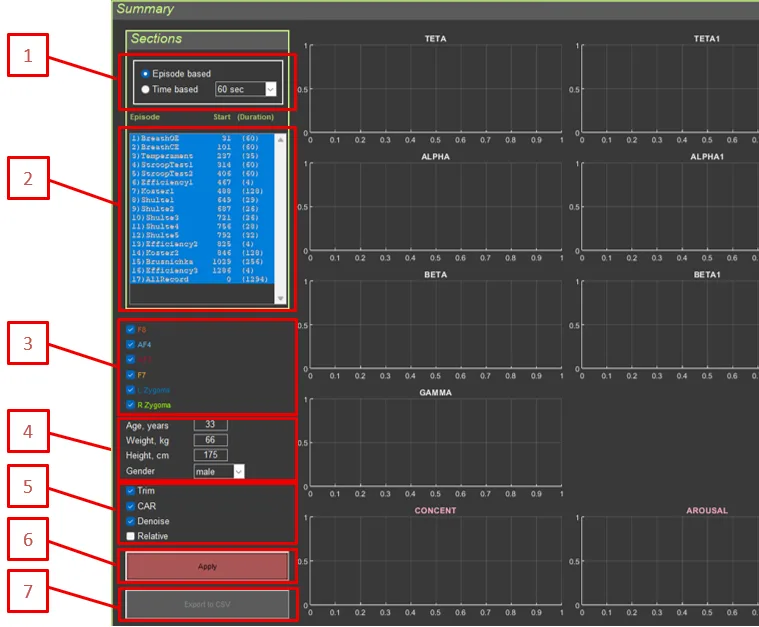
- Section split by episodes or fixed time intervals
- Section list: displays the name, start time, and duration of each section
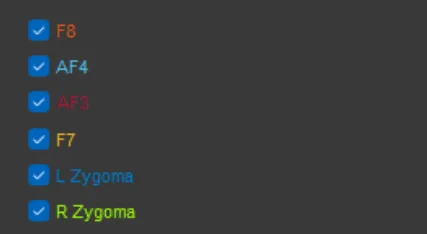
- Electrode selection checkboxes
- Anthropometric data
- Signal processing settings
- Data recalculation button
- Data export button
2.2.1. Signal Processing #
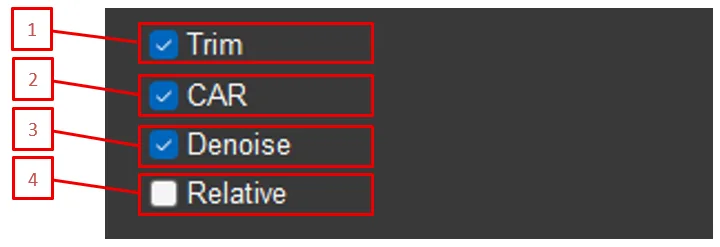
- Trim: Remove artifact segments
- CAR: Enable common average reference
- Denoise: Suppress blink artifacts
- Relative: Use relative values (as a percentage of the total spectrum)
2.2.2. Anthropometric Data #
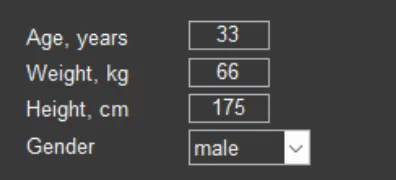
- Age: In years
- Weight: In kilograms
- Height: In centimeters
- Gender: male/female
Important: These data are used to normalize HRV parameters against age- and sex-specific norms.
2.2.3. Sections #
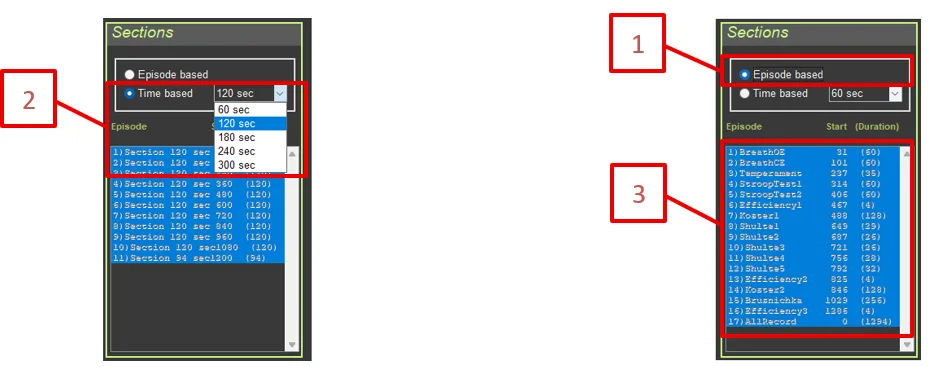
- Episode based: Split by episodes (from metadata)
- Time based: Split into fixed time intervals (60, 120, 180, 240, 300 seconds)
- Section list: Displays the name, start time, and duration of each section
2.2.4. Electrode Selection #
Checkboxes for displaying data from each EEG/EMG electrode (F8, AF4, AF3, F7, L Zygoma, R Zygoma).